


Jean-Paul du Quartier
Grandes Image(s): 640*480
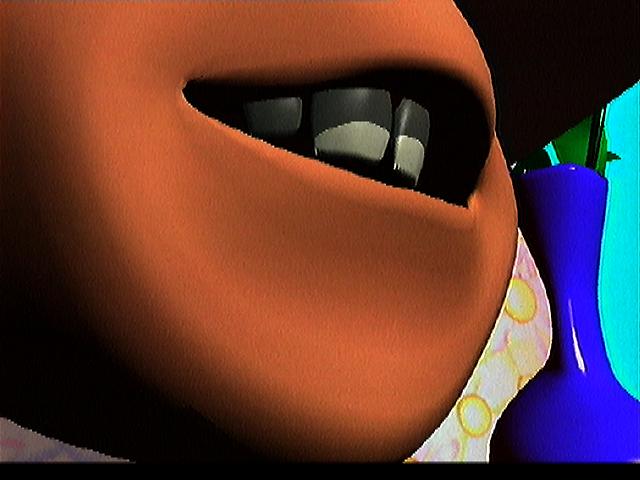 Image Jpeg (32 Ko)
|
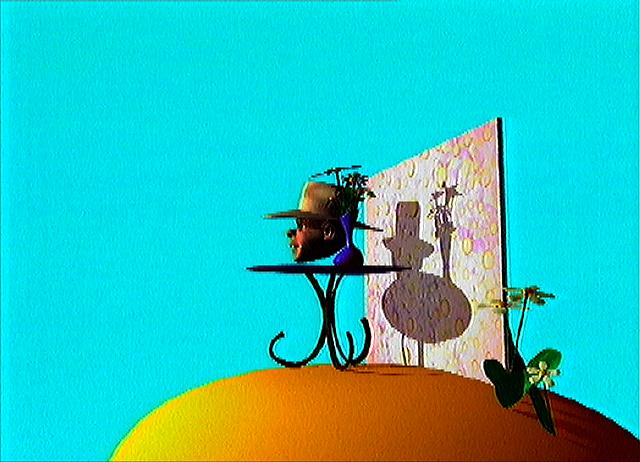 Image Jpeg (46 Ko)
|
Auteur(s)
-
Luc Warnant
-
Dominique Gantois
Institut(s)
-
Neurones
- Couriel :
- Pays : Belgium
Film(s) et Image(s) Extraite(s): 320*240
|
Film
1 |
Video QuickTime -> |
 (3.0 Mo)
|
|
|---|---|---|---|
| Images Jpeg -> |
 (7 Ko)
|
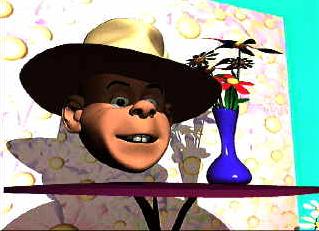 (16 Ko)
|
|
|
Film
2 |
Video QuickTime -> |
 (2.2 Mo)
|
|---|---|---|
| Images Jpeg -> |
 (12 Ko)
|
Description
Texte de Julos Beaucarne
-
Date de Réalisation : 93
-
Categorie : Recherche
-
Mots Clefs :
- Lip-Sync
- animation faciale
- acteur virtuel
-
Thème(s) :
Information d'ordre technique
Softimage sur Silicon GraphicsComplément d'information
-
Bibliographie :
Gabby Animator : une révolution de l'animation 3D
-
Résumé :
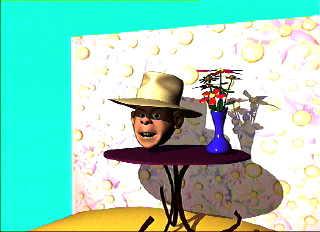
Gabby Animator est un logiciel qui permet une animation faciale de qualité avec une facilité déconcertante.
Gabby Animator le plus puissant et le plus simple logiciel du marché pour l'animation d'un visage 3D.
Sans capteurs, sans positions clés, Gabby Animator vous permet de jongler avec votre personnage, il travaille sur vos séquences d'animation en temps réel. Gabby Animator, c'est un peu de la magie!
Grâce à son interface en superposition, vous créez votre animation par itération successive et ceci en temps réel. Pour le réalisateur, Gabby Animator est le premier outil d'intervention directe sur la qualité d'animation. Pour la série TV comme pour le spot publicitaire, Gabby Animator vous fait gagner du temps et augmente votre productivité par un facteur de plus de 10.Comment utiliser Gabby Animator ?
Vous préparez un modéle (hiérarchie + 3 bouches + les expressions physiques ) Vous intégrez vos données grâce à Gabby Design Vous enregistrez votre texte. Vous ouvrez Gabby Animator A l'animation labiale automatique, vous ajoutez en direct :- les expressions physiques que vous désirez
- l'amplitude de la prononciation
- les mouvements des lévres, des sourcils, des paupières, des yeux, etc...
- les mouvements de translation et de rotation, d'échelle
- les animations de couleur, etc...
Disponibilité- Avant-première Imagina 96
- version Béta Printemps 96
- ersion 1.0 Siggraph 96
Compatibilité avec Silicon Graphics Irix 5,3 et Windows NT
Gabby Animator is a quality facial animation software with an extremely friendly user interface.
Gabby Animator is the simplest and most powerful 3D facial animation software on the market.
Without captors and without keyframes, Gabby Animator lets you do what you want with your creations in real time. Gabby Animator is truly magical!
Thanks to it’s unique interface, you can manipulate your characters interactively and in real time.
Producers and directors will find that Gabby Animator is the ideal tool since it allows non-animators a direct influence on the quality of the animation.
For TV series work or commercials, Gabby Animator saves you time and increases your productivity by a factor of 10 or more.How does Gabby Animator work?
You prepare a model (hierarchy + 3 mouth positions + expressions) You integrate these elements into the system with Gabby Design You record your text You open Gabby Animator and to the automatically lip-synched animation, you add, in real time- the expressions you want
- the amplitude of the pronunciation
- movements of the lips, eyebrows, eyelids, eyes, etc.
- rotation, translation, size changes
- color changes, etc.
When you’re happy with the result, you record in the format used by any of the major 3D animation softwares. The animation splines can be easily integrated into any scene.
Availability:
- demo Imagina 96 19/02/96
- beta version Spring 96 21/03/96
- version 1.0 Siggraph 96 06/08/96
Compatability with Silicon Graphics Irix 5.3 and Windows NT